
#1 childcare software
Brightwheel in your
language
Brightwheel in your
language
Brightwheel brings staff and families together across languages, so everyone can understand, respond, and stay connected in the language they’re most comfortable with.
Trusted by millions of educators and families






Understand. Respond. Stay connected.

Everyone stays in the loop
Families and staff who speak another language get the same updates as everyone else, and can reply just as easily.

Write once, read your way
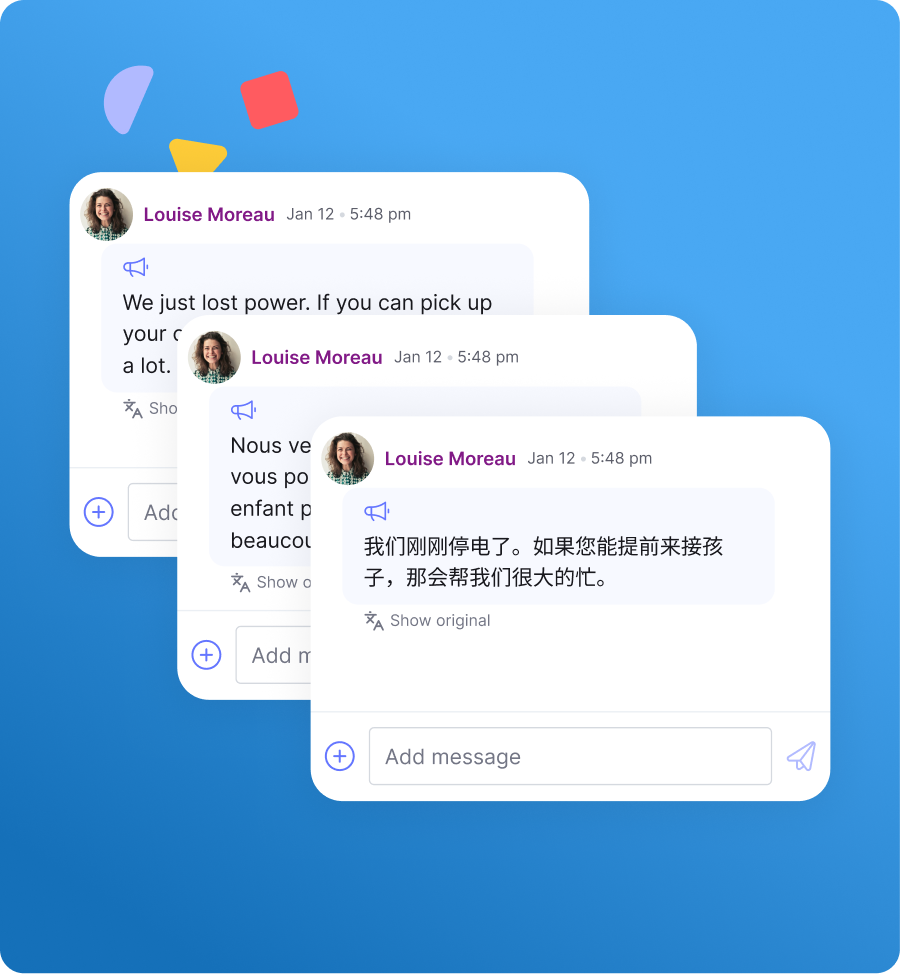
Write the way you always do. Translation happens automatically, so there’s nothing to copy and paste.

Never lost in translation
Every translated message is clearly labeled, and the original is one tap away.
Everyone stays in the loop
Families and staff who speak another language get the same updates as everyone else, and can reply just as easily.
Write once, read your way
Write the way you always do. Translation happens automatically, so there’s nothing to copy and paste.
Never lost in translation
Every translated message is clearly labeled, and the original is one tap away.
See what’s inside brightwheel in your language
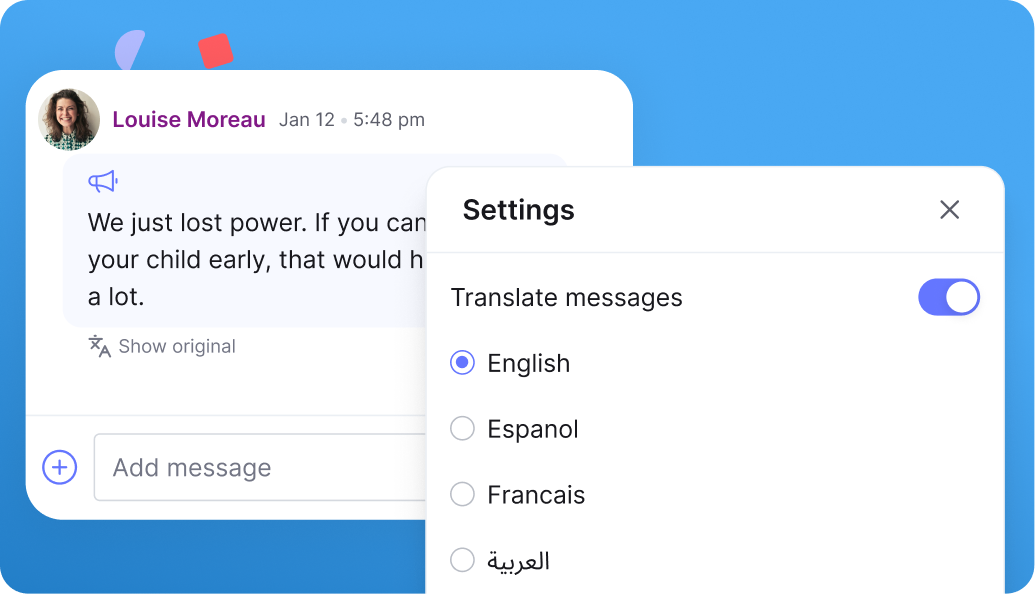
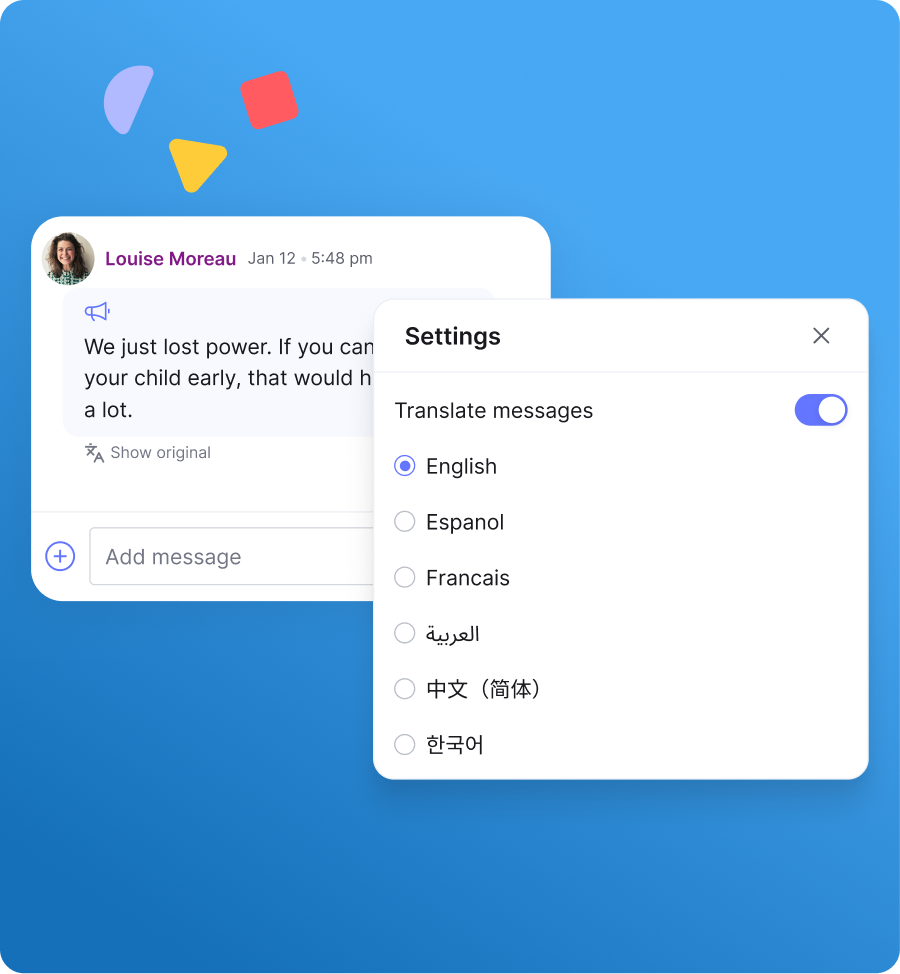
- Read messages in your preferred language, with 20 languages available.
- Reply the way you always do. Each person reads your message in their language.
- Keep writing the way you always do; translation happens automatically for the reader.
- See the original anytime with “Translated · Show original.”
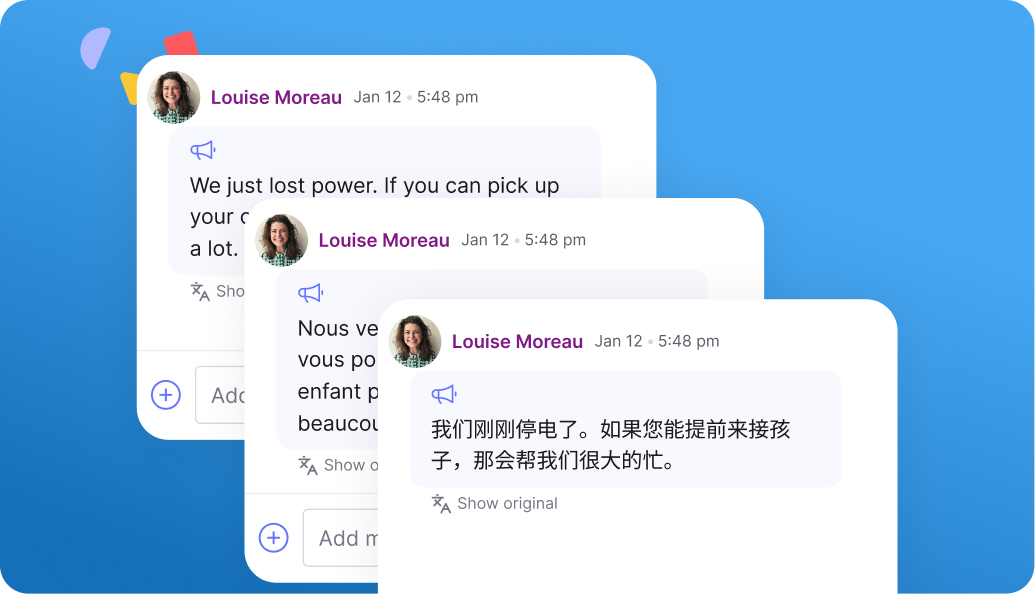
- Write your announcement once. Each family reads it in their preferred language.
- Translated announcements carry the same “Show original” label.
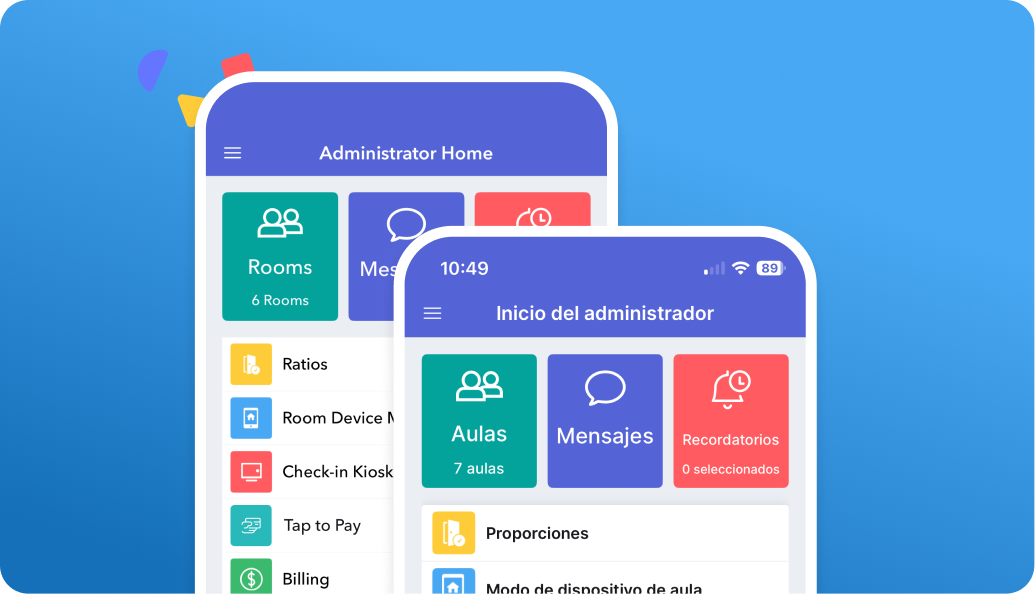
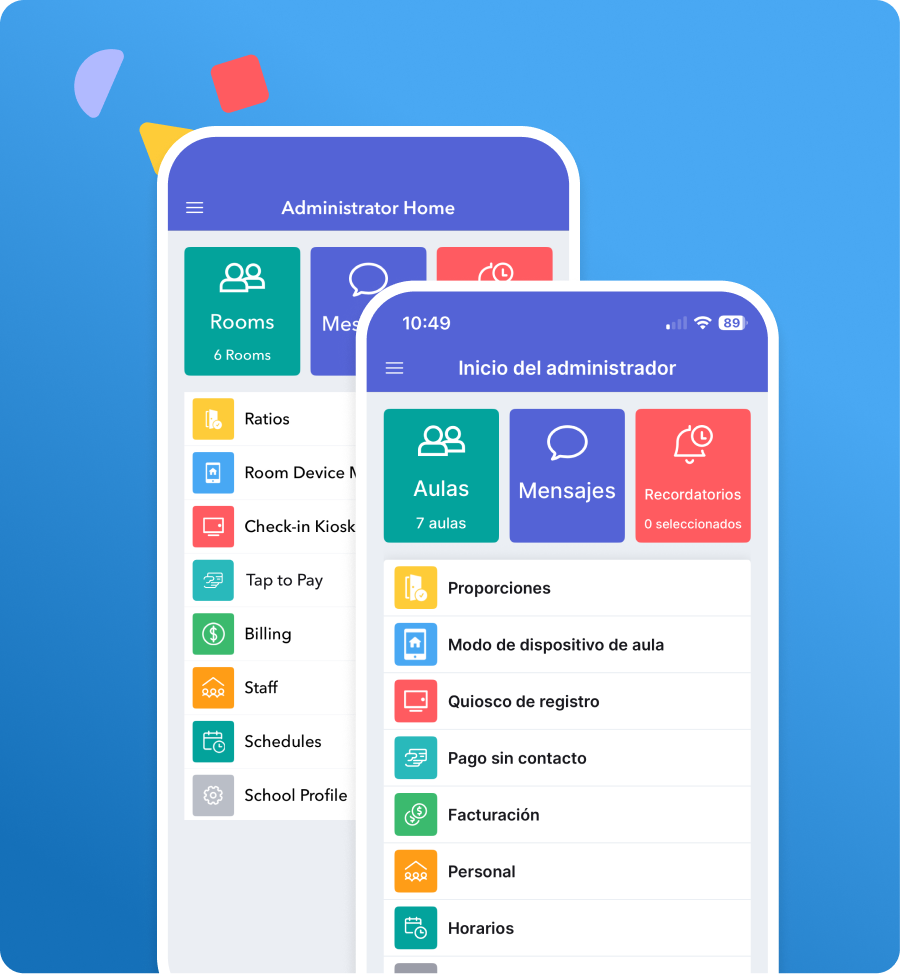
- The app itself appears in your language, not just your messages.
- Spanish available on web, iOS, and Android.
- Canadian French available on iOS and Android.
See your savings with brightwheel
What running things manually is actually costing you
Based on typical center operations — adjust inputs to personalize.
Almost there
Your results are ready
Enter your details to unlock your personalized savings breakdown.
By submitting this form, you agree that brightwheel may contact you by phone call, SMS, or email at the contact information you provide, including by use of automated technology, prerecorded messages, or AI-assisted systems, for marketing and informational purposes consistent with our Privacy Policy. Message and data rates may apply. Message frequency varies.
Your savings estimate
Here’s what brightwheel could save you
Your time and money are going further than you think. Here’s where it goes — and what you get back.
Estimated monthly savings
Admin time + paper + late payment friction
Check-in & sign-out
0.0
hrs / month
Chasing late payments
0.0
hrs / month
Forms & admin
0.0
hrs / month
Paper & printing
$0
/ month
Late payment cash flow
$0
delayed / month
Annualized savings
$0
/ year
Most programs recoup this in their first billing cycle
Brightwheel automates check-in, billing, and family communication — so you stop spending time on things software should handle.
Get a demo — it’s freeNo commitment. Cancel anytime.
Review the latest insights and resources about communication at your childcare program
Supporting Dual Language Learners in the Classroom
Understand the best strategies for bilingual teaching and how to support dual language learners in the classroom.
How to Have Effective Communication with Families
Learn how to improve communication with families at your childcare program. Discover digital tools, active listening tips, and strategies for difficult conversations.
A Guide to Language Development Milestones
Discover key language development milestones for each age group and explore activities designed to support and enhance children’s language skills.
Frequently asked questions
Brightwheel in your language lets families and staff read and reply to every message in the language they’re most comfortable with, across 20 languages, with a fully localized Spanish and Canadian French app. No separate tool or login.
Brightwheel is a childcare management platform that connects early education staff and families — covering communication, billing, attendance, daily activities, and more.
No. Senders always see exactly what they typed. Readers see the message in their own language, with the original always one tap away via “Translated – Show original.”
Here’s a list of the 20 languages you can switch to: English (US), English (UK), Spanish, French, Chinese (Simplified), Chinese (Traditional), Korean, Vietnamese, Arabic, Russian, Portuguese, Ukrainian, Polish, Japanese, German, Italian, Thai, Turkish, Indonesian, Dutch
Yes. Reading language is set per person, not per conversation so two staff members can read the same parent message in two different languages at the same time.
Spanish (web, iOS, Android — admins, staff, and families) and Canadian French (iOS and Android — admins, staff and families).
On web, go to Profile → Language and select Spanish. On mobile, the app follows your device’s language automatically for iOS, or can be set in your profile for Android.
Open Messages and tap the gear icon. Enable translation and choose your preferred language. You can turn it off anytime.
Message translation works on the iOS app, Android app, and Chrome (138+) or Edge (148+) on desktop. It isn’t available yet on Safari or Firefox. You’ll see a notice pointing you to a supported option.
Both. Any user — admin, staff, or guardian — can set their own reading language for messages.
This is fully included in your brightwheel account at no extra cost.
See what running things manually is actually costing you
Time, paperwork & printing, and late payments add up fast. See what it’s costing you — and how much you could save.
Based on typical center operations — adjust inputs to personalize.
See how much you could save with a digital solution
Here’s where your time and money are going every month — and what switching to brightwheel puts back in your hands.
Estimates reflect separate, non-overlapping tasks.
Estimated monthly savings = time on admin tasks × hourly rate + paper costs. Late payment cash flow is shown separately.
Check-in/out: (children × 1.25 min × 2 directions × 22 days) / 60.
Late payment follow-up: late families × billing mins / 60 (Cash/check: 15 min, Mix: 10 min, Venmo: 7 min).
Forms & admin: ((15 min/day) + (2 min/day × staff) + (1 min × children)) / 60, capped at 80 hrs/month.
Paper cost: children × $3/month. Annual savings = monthly × 12.
Subscription cost is excluded from this estimate.
Designed with you in mind

Administrators & directors
Manage enrollment, billing, payroll, communication, and business from the brightwheel app.

Teachers & staff
Easily manage daily tasks, from check-in and activities, to messaging with families.

Parents & guardians
Stay connected to your child’s learning with messaging and easily set up online payments.
