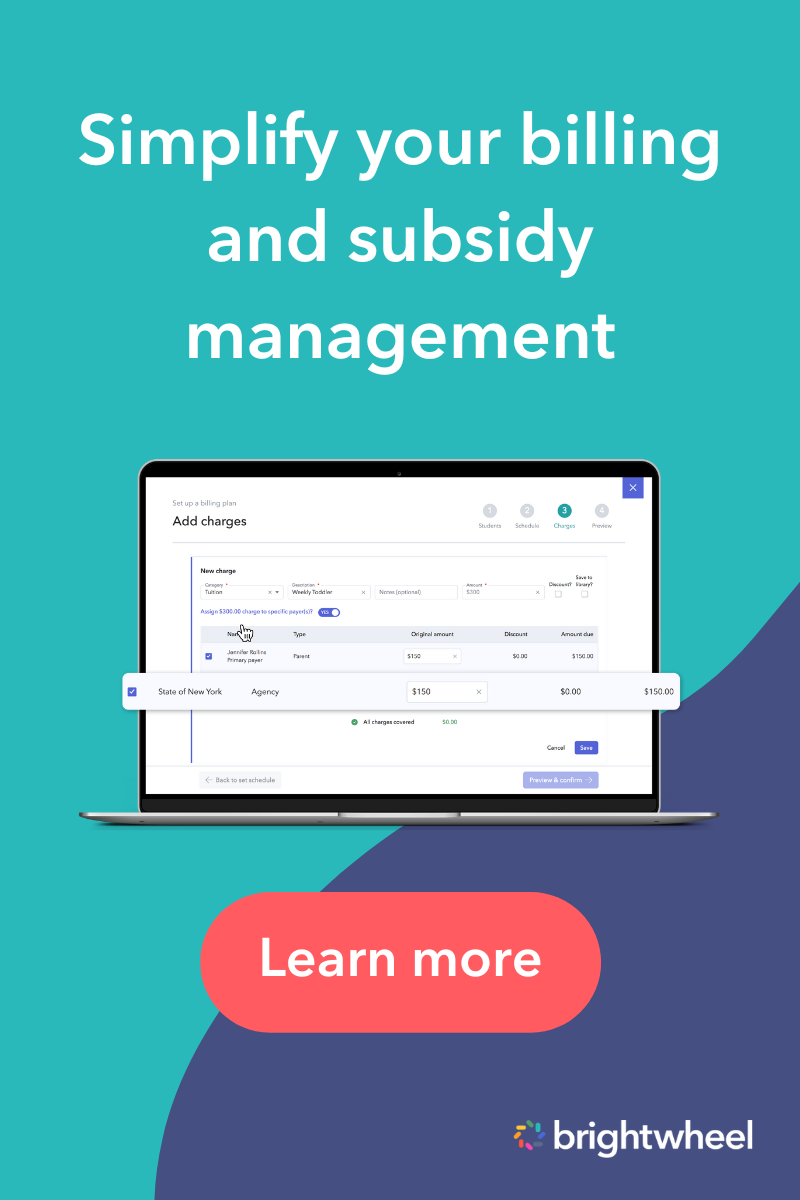
Childcare subsidy management software tracks the money agencies owe your program, the co-pays families owe, and the attendance records that support reimbursement. Centers that accept CCDF vouchers use it to add agencies as payers, split billing between agencies and families, log agency payments, and see outstanding balances in one place.
What should childcare subsidy management software do?
Good subsidy software does five things: it adds agencies as payers, separates agency and family billing, records and reconciles agency payments, documents attendance for reimbursement, and reports on balances. Together, those functions keep reimbursements traceable from invoice to payment and give your team one place to see what each agency owes.
- 1. Add agencies as payers on the students they cover.
- 2. Split agency and family billing so each payer sees only its share.
- 3. Log and reconcile agency payments against open invoices.
- 4. Document attendance in the format agencies ask for when you request reimbursement.
- 5. Report on balances by agency, student, and payer type.
What are childcare subsidies and how do they work?
Childcare subsidies are government-funded payments that help eligible families afford child care. Under CCDF, subsidized care is available to eligible families through vouchers, or through grants and contracts with providers. The agency pays the provider for approved care, and the family may owe the remaining balance depending on the program.
CCDF is the primary federal funding source that helps families with low incomes access child care, and states, territories, and Tribes administer it. Your state’s lead agency sets the process you follow. Source: ACF Office of Child Care fact sheet; Source: ACF Office of Child Care
Local Child Care Resource and Referral (CCR&R) agencies or your state’s CCDF lead agency can guide you on available funding opportunities. Subsidies also widen access to care, which supports diversity in early childhood education in your community. For a full breakdown of programs, see our guide to types of childcare subsidies.
| Program | What providers receive | Who administers it |
|---|---|---|
| CCDF subsidy | Payment for eligible children, through vouchers or through grants and contracts with providers. Source: ACF Child Care and Development Fund | States, territories, and Tribes, with federal oversight from ACF. |
| Head Start | Grants awarded to local agencies that operate Head Start programs. Source: ACF Office of Head Start | Office of Head Start, within ACF. |
| CACFP | Reimbursement for meals and snacks served to children in participating childcare settings. Source: USDA Economic Research Service | USDA Food and Nutrition Service, through state agencies. |
What challenges do providers face without subsidy software?
Without subsidy software, providers track agency payments, family balances, and attendance in separate spreadsheets and paper files. That makes errors, late reimbursements, and missing documentation more likely, and each one can delay or reduce the money your program receives and add hours of follow-up for your team.
- Time-consuming paperwork. Staff spend hours each week reconciling records and preparing invoices, which is time away from children and families.
- Increased risk of errors. Manual tracking makes it easy to miscalculate what an agency or family owes, which can lead to denied claims or underpayments.
- Delayed reimbursements. Incomplete or inconsistent paperwork slows payment and disrupts cash flow.
- Missing attendance documentation. Agencies often tie payment to attendance, so gaps in records can hold up reimbursement. Brightwheel’s attendance tracking records check-in and check-out times you can report on later.
- Staff burnout. Constantly juggling subsidy reconciliations takes time away from supporting children, families, and program growth.

Free Childcare Billing Guide
Download this free guide to streamline your childcare billing processes and save time.
How does subsidy software boost daycare revenue?
Subsidy software improves revenue predictability by showing what each agency owes, what it has paid, and what is still outstanding. With payments logged against invoices, you can spot late or short payments sooner and plan payroll and supplies around money you can see.
Subsidy payments come from a mix of federal, state, and local agencies, so late or short payments create gaps that make it harder to plan for payroll, supplies, and growth. A stress-free childcare billing process and digital payment tracking show how much funding is owed by agencies versus families, so you can follow up sooner.
Illustrative example (not customer data): A child’s monthly tuition is $1,000. The agency is billed $800 and the family is billed $200. This month the agency pays $600 and the family pays $200 in full.
| Payer | Billed | Received | Balance |
|---|---|---|---|
| Agency | $800 | $600 | $200 |
| Family | $200 | $200 | $0 |
| Total | $1,000 | $800 | $200 |
With payments logged against each invoice, the $200 shortfall is visible right away and traceable to the agency, instead of surfacing weeks later.
How does brightwheel track subsidies?
Brightwheel tracks subsidies by treating each agency as a payer. You add the agency, assign it to students, bill it through plans or one-time charges, and log each payment you receive. A Subsidies dashboard then shows every agency’s open invoices and balances in one place.
With subsidy tracking built into brightwheel billing, administrators track money owed to the center and money received from agencies alongside family billing. Subsidies work with bill plans, student profiles, and reports, so agency charges and payments sit next to the rest of your finances. Here is how it works:
- Step 1: Add the agency as a payer. Under Billing, open the Subsidies tab, add the agency, and assign it to the students it covers. Source: Add subsidy agencies
- Step 2: Create a bill plan for the agency. Use a plan for regular subsidy payments or a one-time charge for payments that are not on a set schedule. Plans can split charges between agencies and families. Source: Create billing plans and charges for subsidy agencies
- Step 3: Invoice the agency. Plans and charges create the invoices you track. Agencies do not pay through brightwheel and are not notified when an invoice posts, so you log each payment after you receive it.
- Step 4: Log agency payments. Record a payment and apply it to an open invoice, or log it without an invoice when you need to record it quickly. You can log payments for multiple students at once, backdate them, and deposit agency checks through brightwheel. Source: Log subsidy payments
- Step 5: Filter by agency. Filter student profiles and billing reports by agency payer to see subsidy invoices and payments on their own.
- Step 6: Check the Subsidies dashboard. See each agency’s students, open invoices, unpaid balance, available payments, and remaining balance in one view. Source: Gain a holistic view of your subsidy agencies
Attendance. Many agencies tie payment to attendance, and brightwheel records check-in and check-out through digital attendance tracking. The Subsidy attendance report shows those times and collected signatures, flags missing ones, and lets you request weekly signatures from families. Source: Report on attendance for subsidy compliance Kentucky CCAP providers can follow a dedicated walkthrough for collecting weekly caregiver signatures. Source: Kentucky: collect weekly attendance signatures for CCAP
Providers in states that use KinderConnect, and Iowa providers who use KinderTrack, can also connect brightwheel attendance to those systems. See the KinderConnect integration and KinderTrack for Iowa help center articles.
New to subsidy tracking? Start with the help center’s guide to getting started with tracking subsidies.
See subsidy billing in brightwheel
How do I choose subsidy management software?
Choose software that matches how agencies actually pay you. Confirm it can set up agencies as payers, split charges with families, reconcile payments, and document attendance. Then test it with a real scenario, such as a partial payment, before you commit.
| Requirement | Why it matters | Question to ask a vendor |
|---|---|---|
| Agency payer setup | Agencies need to be billed separately from families. | Can I add an agency as a payer on each student? |
| Split billing | Many children have both an agency and a family share. | Can one plan split charges between an agency and a family? |
| Payment reconciliation | Underpayments are easy to miss without invoice-level records. | Can I apply a payment to a specific invoice and see what remains? |
| Attendance documentation | Agencies often require attendance records to release payment. | Can I produce attendance reports with signatures? |
| State reporting support | Some states want attendance submitted through a specific system. | Does it connect to my state’s system, and which states are supported? |
| Reports and exports | Finance teams need balances by agency, student, and payer. | Can I filter reports by agency payer and export them? |
| Audit trail | Agencies may ask you to explain a past payment or record change. | Can I see payment history and attendance changes? |
Is this the right fit? If your state requires attendance to be submitted through a specific system, check which system your state uses before you compare tools.
| Approach | Works well when | Watch for |
|---|---|---|
| Spreadsheet | You have very few subsidized children. | Manual updates, harder reconciliation, and limited reporting. |
| Billing-only tool | You only need invoices and payment tracking. | Attendance and family communication live in other systems. |
| Full childcare platform | You want billing, attendance, and family communication together. | Confirm agency payer and attendance features match your state’s process. |
For a broader comparison of billing tools, see our guide to the best childcare billing software.
Frequently asked questions about subsidy management software
Which software tracks childcare subsidies?
Childcare management software with built-in billing can track childcare subsidies. Brightwheel lets you add agencies as payers, create bill plans for agencies, log agency payments, and filter billing reports by agency payer. Look for software that also keeps family co-pays and attendance records in the same place.
Can software track both agency payments and family co-pays?
Yes. In brightwheel, billing plans can split charges between agencies and families, so each payer is billed for its share. Agency payments are logged against agency invoices, and family payments are tracked separately. You can then filter student profiles and billing reports by payer type to see what each one owes.
How do I document attendance for subsidy reimbursement?
Keep daily check-in and check-out records and any signatures your agency requires. In brightwheel, the Subsidy attendance report shows check-in and check-out times and collected signatures, flags missing ones, and lets you request weekly guardian signatures. Requirements vary by agency, so confirm yours.
What is CCDF and how do providers get paid?
The Child Care and Development Fund (CCDF) is the primary federal funding source that helps families with low incomes access child care. States, territories, and Tribes administer it. Subsidized care is available through vouchers, or through grants and contracts with providers, so payment depends on your state agency’s process.
Does childcare software connect to state subsidy systems?
Some childcare software does. Brightwheel offers attendance integrations with KinderConnect in select states and with KinderTrack for Iowa programs, so you can submit check-in data to your state subsidy agency without manual entry. Check the help center to confirm your state is supported before you plan around it.
How do I reconcile subsidy payments?
Log each agency payment when you receive it and apply it to the matching open invoice. In brightwheel, the Subsidies dashboard shows each agency’s open invoices, unpaid balance, available payments that have not been applied, and remaining balance, so you can see what is still owed.
What happens when an agency underpays?
You can resolve an unpaid or partially paid agency invoice in two ways. In brightwheel, an admin can waive the balance, which closes the invoice with a zero balance, or bill the remaining balance to the student’s private payers, such as family members, by adding a reason, an amount, and a new due date.
Which childcare platforms handle subsidy billing and co-pays?
Look for a platform that adds agencies as payers, splits charges between agencies and families, logs agency payments against invoices, and documents attendance. Brightwheel supports each of these in one system. Ask any vendor to walk through your real subsidy scenario, including a partial payment, before you commit.
Conclusion
With the cost of child care on the rise, subsidies help families pay for quality care. Managing that revenue is challenging, but subsidy management software keeps agency payments, family co-pays, and attendance records organized so your program can keep growing and keep serving children and families.