Tax season is here, and for childcare providers, it often means juggling year-end summaries, supporting families with Dependent Care Flexible Spending Account (DCFSA) documentation, and managing a mountain of administrative tasks. Families depend on providers to deliver accurate records of their total care costs, and many rely on this information to claim tax credits or reimbursements.
Brightwheel makes this process easier than ever by automating tax receipt generation, simplifying billing history reports, and ensuring families have access to the documentation they need, when they need it.
This guide will show you how brightwheel can streamline tax season for both providers and families. From generating year-end tax summaries to supporting DCFSA claims, brightwheel helps you save time, reduce errors, and provide a seamless experience.
How brightwheel helps with tax season
Handling tax-related documentation manually can take up valuable time and leave room for mistakes. Brightwheel's automated tools offer powerful solutions for busy providers:
1. Automated tax receipt generation
Forget about manually calculating totals or cross-referencing spreadsheets. Brightwheel automatically tracks all payment activity throughout the year and generates clean, detailed year-end tax summaries for families. These receipts include total care costs, the provider's Employer Identification Number (EIN), payment dates, and more.
2. Billing history reports for families
Families can easily access their payment history directly through the brightwheel app or web portal. This reduces the number of administrative requests you receive while giving families the ability to download or email their own tax documentation for DCFSA claims.
3. Year-end summaries and compliance
Brightwheel ensures that all records are accurate and compliant, providing peace of mind as you close out the financial year. With just a few clicks, you can export customized billing reports or share essential documents with families.

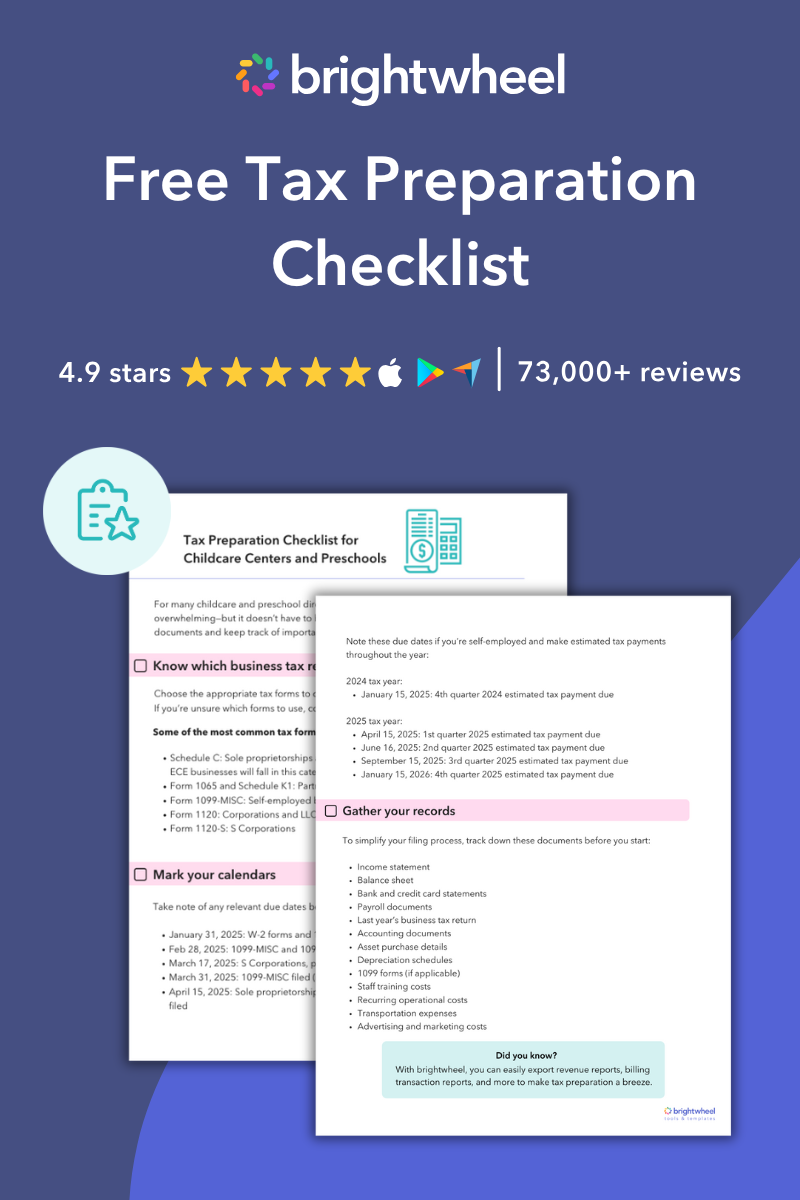
2025 Tax Preparation Checklist for Childcare Centers and Preschools
Use this free checklist to stay organized during tax season.
Step-by-step guide: Generating tax summaries for families
Brightwheel makes it simple to create and share year-end tax statements. Follow these steps to generate and distribute tax receipts:
-
Click Billing in the left-hand sidebar of your brightwheel dashboard.
-
Go to Students and select a specific student's billing profile.
-
Navigate to the Statements tab at the top of their profile.
- Select the year-end tax statement (e.g., Family 2025 Payer Tax Statement).
-
Click Export, and choose to download the file or email it directly to the family.
-
These steps take seconds, freeing you from hours of manual work.
Allow families to access their own documents
Save even more time by encouraging families to download their tax summaries directly through their brightwheel account. Share these simple instructions to guide them:
-
Log in to their brightwheel account on the web or mobile app.
-
Go to Payments and select a child. For multiple children, repeat these steps for each profile.
-
Click the Statements tab and select the desired year-end tax statement.
- Export the document to download it or send it to their email.
This self-service option reduces the burden on administrators and ensures families get their documents quickly.
Best practices for a smooth tax season
Brightwheel's tools are designed to simplify tax season, but a little preparation can make things even easier. Here are a few tips:
For providers:
- Update family records early: Ask families to verify their contact information in early January to ensure all communications reach them.
- Set clear timelines: Let families know when tax summaries will be available, such as by the last week of January, and that they can download the documents themselves.
- Offer technical support: Send a quick message with instructions on how families can access their statements.
- Designate a point person: Assign one staff member to handle tax-related inquiries, streamlining communication with families.
- Emphasize security: Remind families that brightwheel protects their financial data, and encourage them to use the secure app rather than requesting physical copies.
For families:
- Keep your profile updated: Ensure your current email address and phone number are correct in the app so you do not miss important billing communications.
- Understand what’s included: Year-end summaries cover payments processed during the previous calendar year.
- Ask questions early: Reach out to the childcare provider directly for clarification on charges or missing records. Consult a certified tax professional for actual tax advice.
Beyond tax season: Year-round benefits of brightwheel
Brightwheel is more than just a tax season tool—it offers comprehensive billing and payment features that simplify financial management year-round.
- Automated billing: Improve cash flow and reduce late payments with autopay options for families.
- Customizable reports: Gain insight into your program's finances with detailed revenue tracking and outstanding balance reports.
- Professional tuition agreements: Use brightwheel to document financial expectations upfront, ensuring transparency with families from day one.
By automating these routine financial tasks, you free up time to focus on what matters most—providing exceptional care and education for children.
Wrap up tax season with ease
Tax season doesn’t have to be stressful. With brightwheel, you can generate accurate tax receipts, support DCFSA documentation, and streamline administrative tasks for both your team and the families you serve.
Take a few minutes today to review your billing dashboard, notify families about updating their information, and get ready to enjoy your smoothest tax season yet!
Brightwheel Webinar: Stress-Free Tax Prep for Childcare Providers
This article is designed to provide general information regarding the subject matter covered. It is not intended to serve as legal, tax, or other financial advice related to individual situations. Because each individual's legal, tax, and financial situation differs, specific advice should be tailored to the particular circumstances. For this reason, you are advised to consult with your own attorney, CPA, and/or other advisors regarding your specific situation.