A preschool CRM (customer relationship management) is a specialized software tool that helps childcare programs manage interactions with current and prospective families. It centralizes family information, streamlines communication, and automates administrative tasks from the first inquiry to enrollment and beyond.
What is a preschool CRM?
A preschool CRM serves as a digital command center for building relationships and growing your program. While traditional management software might focus solely on daily logs or attendance, a robust CRM focuses on the family journey—from the moment they find your website to the day their child graduates.
In 2026, families expect seamless digital experiences, and administrators need efficient tools to manage growing demands. Choosing the right platform means equipping your program with the features needed to thrive in a competitive landscape. Here are the essential features your preschool CRM should have to save time, improve family satisfaction, and support your program's growth.

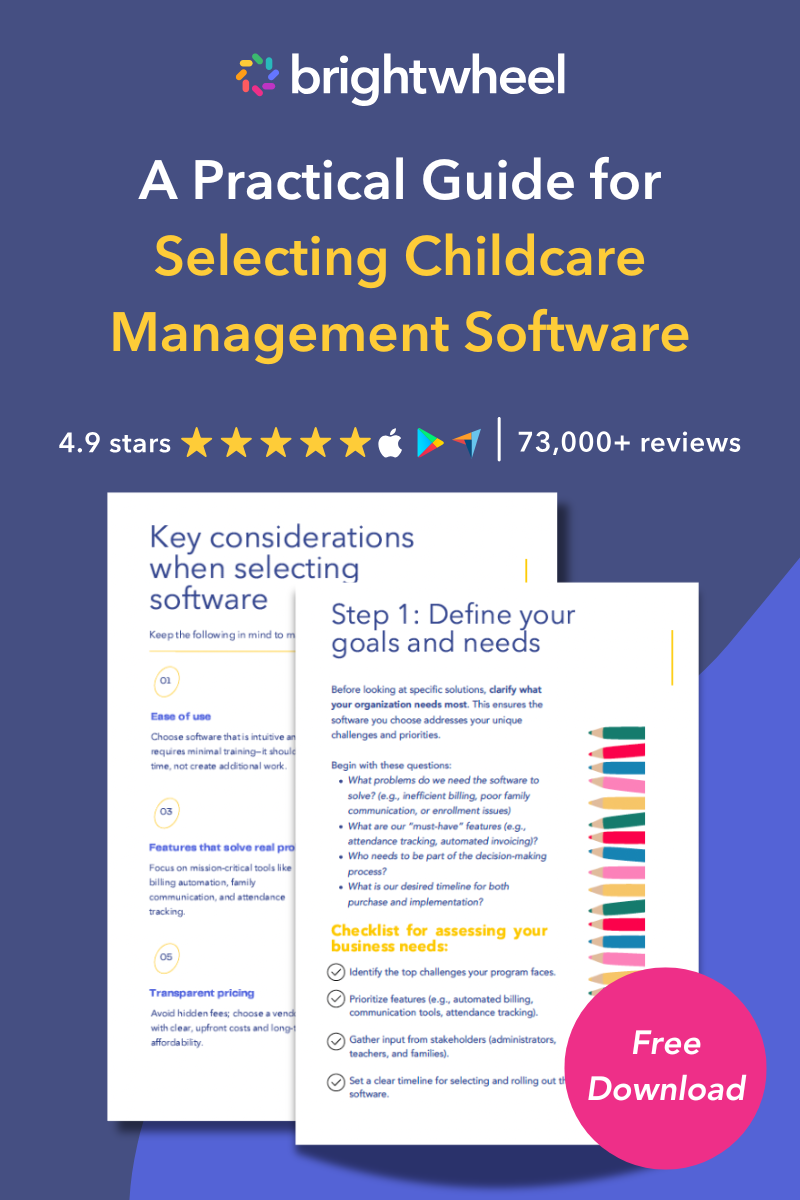
Free Guide for Selecting Childcare Management Software
Download a free guide to simplify your decision-making process and help you choose the best childcare software for your program.
1. Automated lead management and follow-up
An effective preschool CRM captures every lead from your website, social media, and other channels, then automates the follow-up process to ensure no inquiry falls through the cracks.
The journey for a new family often starts long before they tour your facility. Look for features that allow for personalization at scale. Instead of generic responses, the system can enable you to send customized automated emails and text messages that address a family’s specific interests.
- Schedule tours automatically based on availability.
- Send reminders to reduce no-show rates.
- Nurture leads over time without manual intervention.
This level of automation allows your administrative team to focus on building genuine connections with prospective families rather than managing spreadsheets.
2. Unified parent communication hub
A top-tier preschool CRM consolidates conversations from email, text messages, and in-app notifications into a single, unified hub.
Communication with families is constant and occurs across multiple channels. A unified system ensures that any staff member can view the complete message history for a family, providing consistent and informed responses.
Key features to prioritize include:
- Two-way messaging: Allows for genuine conversations between staff and families directly within the platform.
- Message history tracking: Creates a complete record of all communications, which is invaluable for reference and accountability.
- Translation options: An inclusive feature that helps bridge language barriers, ensuring all families feel welcome and understood.
 Brightwheel gets an A+ for parent satisfaction. A huge piece families love is how brightwheel brings them into the room. We get so many compliments." Marc H, Owner at A Strong Start Early Care and Education in Trumbull, CT
3. Digital enrollment and form management
A modern preschool CRM offers a completely paperless admissions workflow that allows families to fill out and submit all necessary forms online from any device.
Integrated e-signature capabilities are a must-have, as they formalize the process and eliminate the need for families to print, sign, and scan documents. This simplifies the experience for new families and dramatically reduces administrative work. It minimizes errors and keeps all documentation securely organized and accessible within the CRM.
4. Billing and payment automation
Your preschool CRM should include robust billing automation or offer seamless integrations with specialized financial software to manage tuition, subsidies, and invoices.
Managing tuition payments can be one of the most time-consuming parts of running a childcare program. Essential features include:
- Autopay setup: Gives families a convenient "set-it-and-forget-it" option, improving on-time payment rates.
- Automated reminders: Reduces the need for staff to chase late payments.
- Subsidy tracking: Simplifies the management of payments from government agencies or third-party organizations.
- Revenue reporting: Provides clear financial insights directly within the CRM, helping you track your program’s financial health.
95% of families are on track with their payments, thanks to brightwheel! Before, it was really bad. Parents love that they can see exactly how much they owe, right on their phones.” Munisha M, Director at Excelsior University for Children in Seabrook, TX
5. Staff collaboration tools and internal workflows
A preschool CRM acts as a powerful tool for internal collaboration by improving visibility and coordination across different roles, from directors to administrative staff.
Look for features like task assignments, which allow directors to delegate follow-ups or administrative duties related to enrollment. Clear handoff capabilities ensure a smooth transition as a prospective family moves through the funnel. When your team can see who is responsible for what and the status of each task, your entire operation becomes more efficient and organized.
6. Insights and performance dashboards
An effective preschool CRM provides actionable insights through intuitive performance dashboards that visualize your entire enrollment funnel.
You cannot improve what you cannot measure. Dashboard tools allow you to track metrics from initial inquiries to tours, applications, and final enrollments. For organizations with more than one childcare program, multi-location reporting is non-negotiable. The CRM allows you to compare performance across different sites, identify trends, and make data-informed decisions to optimize your marketing and admissions strategies.
7. Mobile-first accessibility
A mobile-first design ensures that directors and administrators can manage the program and communicate with families from anywhere, not just a desk.
Childcare directors are constantly moving, giving tours, and managing the day-to-day needs of their childcare programs. A CRM must be fully functional and easy to use on a mobile device. Whether you need to look up a family’s contact information, schedule a last-minute tour, or respond to an urgent message, you are able to do it from your phone.
8. Security and compliance
Your preschool CRM must adhere to the highest standards of security and compliance to protect sensitive family and child data.
Childcare programs handle a vast amount of private information, and protecting it is a legal and ethical obligation. Ensure the platform is compliant with relevant regulations like HIPAA (for health information), FERPA (for educational records), and GDPR (for data protection). This includes features like data encryption, secure logins, and role-based access controls to ensure that only authorized staff can view sensitive information.
Frequently asked questions
What is the difference between a preschool CRM and a CMS?
A preschool CRM (customer relationship management) focuses on managing relationships with prospective and current families, tracking leads, and enrollment. A CMS (childcare management software) usually handles daily operations like attendance, meal tracking, and lesson planning. Ideally, modern platforms like brightwheel combine both functions into one solution.
How does a CRM help with enrollment?
A CRM helps with enrollment by automating lead capture and follow-up communication. It ensures that prospective families receive timely responses and reminders to schedule tours or complete paperwork, which significantly increases the likelihood of conversion from inquiry to enrolled student.
Can I manage multiple locations with a preschool CRM?
Yes, robust preschool CRMs offer multi-site management features. These allow owners and directors to view data, generate reports, and standardize processes across all locations from a single login.
How to implement a preschool CRM
Implementing a preschool CRM can seem like a daunting task, but with a thoughtful approach and the right support, it can be a seamless process. Follow these key steps to ensure a successful implementation:
- Identify your needs: Start by assessing the specific needs of your facility. Consider key features such as automated billing, parent communication tools, and enrollment tracking. Understanding your priorities will help you choose a CRM that aligns with your goals.
- Choose the right platform: Research CRM platforms designed specifically for preschools and childcare providers. Select a platform that offers intuitive navigation, comprehensive features, and reliable support to make day-to-day operations easier.
- Engage your team: Before implementation, involve your staff in the planning process. Provide training on how to use the CRM effectively and emphasize the time-saving and organizational benefits they will experience.
- Prepare your data: Clean and organize your existing data, such as child and family information, attendance records, and billing details. Importing accurate and up-to-date data into the system will ensure a smoother transition.
- Set up key features: Configure the platform to meet your facility’s needs. This may include setting up automated billing, creating enrollment forms, and customizing communication templates. Make use of tutorials or customer support to optimize your setup.
- Test and iterate: Run a pilot phase to ensure everything is functioning as expected. Test key features with a small group of families or for a limited time. Gather feedback from staff and parents, then make adjustments to improve the user experience.
- Launch and monitor: Once everything is set up, introduce the CRM to all families and staff. Provide clear instructions and ongoing support to help them adapt to the new system. Monitor usage and performance to ensure it meets your operational goals.
By following these steps, you can successfully implement a preschool CRM that streamlines operations, improves communication, and enhances the overall experience for your staff and families.
Choose the right features for your preschool
Selecting a preschool CRM is a significant decision that will impact your program's efficiency and ability to grow. As you evaluate your options, ensure you are choosing a platform that meets the modern demands of families and staff. A system with these core features will not only streamline your administrative tasks but also enable you to build stronger relationships with the families you serve.