Managing childcare records has long relied on traditional paper systems—medical forms, consent releases, and emergency contacts stacked in overflowing filing cabinets. While familiar, this approach often leads to clutter, misplaced documents, and wasted time during emergencies or audits.
Switching to a digital system isn't just about modernization; it’s about efficiency and security. Digitized records offer instant access to critical information, reduce clutter, and ensure data is safe and compliant.
This article highlights the benefits of going digital and how to transition seamlessly from paper to a streamlined system.
The benefits of digitizing student records
Moving away from paper-based systems offers immediate advantages that impact everything from daily operations to long-term compliance.
Improved accessibility and security
Paper records are vulnerable to physical damage like water leaks or fire, and they can be easily misplaced. Digital records, when stored in a secure, cloud-based system, are protected from physical disasters.
More importantly, authorized staff can access them instantly. Imagine a scenario where a child has an allergic reaction on the playground; being able to pull up their medical plan on a tablet within seconds is far safer than running to the office to find a physical file.
Enhanced accuracy and compliance
Childcare regulations regarding record keeping are strict. Files must be up-to-date, signed, and easily retrievable for licensing visits. Digital systems often come with features that flag missing signatures or expiring forms, helping you stay compliant automatically. This reduces the human error associated with manual audits of hundreds of paper files.
Streamlined communication
Digitizing records often goes hand-in-hand with better communication tools. When a parent updates a contact number or adds an authorized pickup person through a digital portal, that information is instantly updated in your system. This eliminates the lag time between a parent handing in a paper note and an administrator updating the master file.

Childcare Consent and Release Forms
Use this free set of fillable PDF templates to obtain the required approvals and permissions from families.
Key student records to digitize
While it’s ideal to digitize everything eventually, certain documents are high-priority due to their importance for safety and daily operations. Focusing on these forms first will yield the biggest immediate impact.
Child medical consent forms
Emergencies can happen when you least expect them. A child medical consent form authorizes you to seek emergency medical care for a child if their guardians cannot be reached immediately. Having this accessible digitally ensures that in a crisis, you aren't wasting time looking for permission slips.
Medication administration forms
Strict protocols surround giving medication to children. A digitized medication administration form ensures clear, legible instructions from families regarding dosage and timing. Digital logs also allow staff to record exactly when medication was given, creating a reliable audit trail that is harder to achieve with paper logs that can be lost or damaged.
Photography and video consent forms
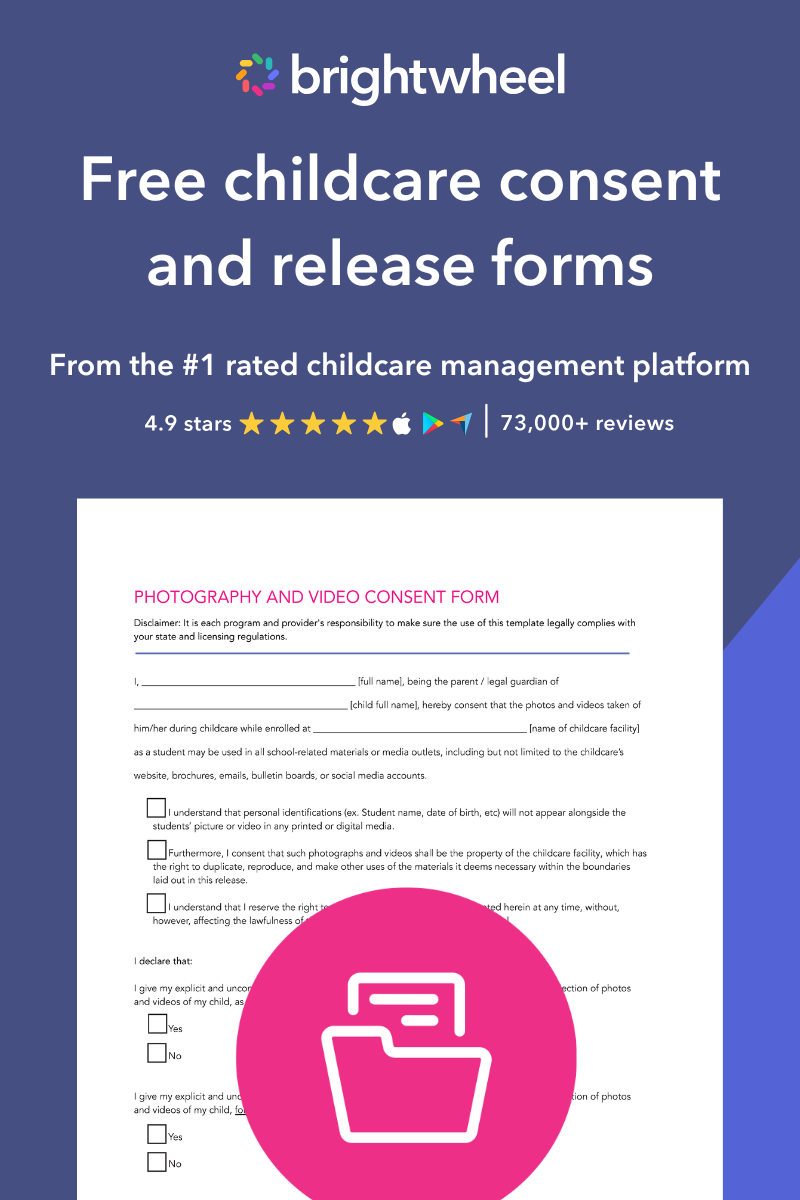
In the age of social media, respecting family privacy is paramount. A digital photography and video consent form allows you to quickly tag children in your system based on their permissions. For example, a teacher taking photos for the weekly newsletter can instantly check if a specific child has "internal use only" or "social media" permissions, avoiding potential privacy violations.
Parent consent forms for field trips
Field trips involve moving children away from the safety of your facility, which carries unique risks. Digital consent forms for field trips allow you to access emergency contacts and medical info on a mobile device while you are off-site, rather than lugging a binder of paperwork that could be left on a bus.
Permission to apply sunscreen forms
It might seem minor, but applying sunscreen often requires specific permission due to potential allergies. Having a sunscreen permission form on file protects your staff from liability and ensures children are protected from the sun according to their families' wishes.
Diaper cream authorization forms
Similar to sunscreen, diaper creams are often treated as over-the-counter medications by licensing bodies. A diaper cream authorization form clarifies exactly what product to use and when, preventing confusion among staff members who care for the same infant.
How to get started with digitizing records
The prospect of scanning thousands of pages can be daunting. However, breaking the process down into manageable steps makes it achievable.
Choosing the right software/system
The first step is selecting a childcare management platform that suits your needs. Look for a solution that offers secure cloud storage, easy upload capabilities for families, and robust search functions. The system should be user-friendly so that staff can adopt it quickly without extensive technical training.
Scanning and uploading existing records
You don't need to digitize your entire history in one day. Start with active students. Create a workflow where you scan current files in batches. Many modern management apps allow you to snap a photo of a document and attach it directly to a student's profile, which is much faster than using a traditional desktop scanner.
Secure storage and backup solutions
Data privacy is critical. Ensure your chosen digital solution uses encryption to protect sensitive student data. Unlike a physical filing cabinet that can be broken into, a secure digital system requires authentication to access. Additionally, cloud-based systems provide automatic backups, ensuring that even if a computer crashes, your records are safe.
Best practices for managing digital records
Once you have transitioned to a digital system, maintaining it requires a few new habits.
Regular audits and updates
Set a schedule—perhaps quarterly—to run reports on your digital records. Check for expiring immunizations, missing consent forms for new enrollees, or outdated emergency contacts.
Staff training and access controls
Not everyone needs access to every file. Train your staff on privacy protocols and set access controls within your software. For instance, a lead teacher needs access to allergy info and emergency contacts for their class, but may not need access to billing records.
Compliance with regulations
Always double-check your local state licensing regulations regarding digital records. Most jurisdictions now accept digital forms as legal documentation, but some may still require hard copies of specific documents (like wet-ink signatures on certain legal releases) to be kept on-site.
Making the move to digital management
Digitizing your student records is one of the most effective ways to modernize your childcare program. It reduces clutter, improves response times during emergencies, and ensures that you remain compliant with licensing standards. By moving away from paper piles, you free up your administrative time to focus on what truly matters: supporting your staff and providing excellent care.